About Watermark in Word
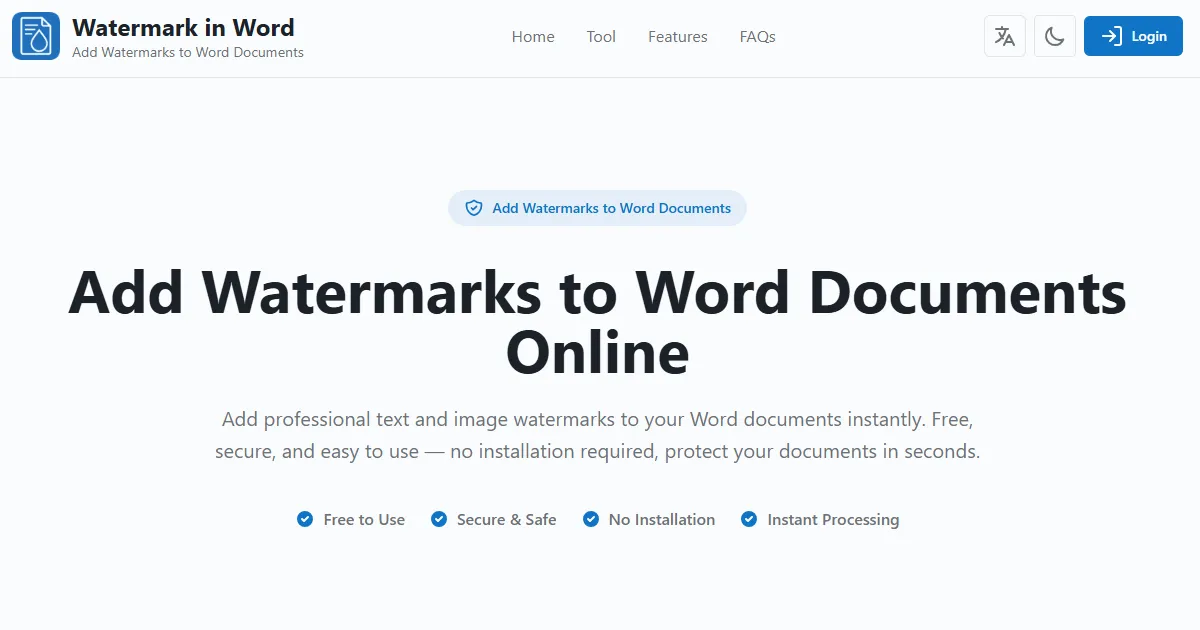
Add professional text and image watermarks to your Word documents instantly. Free, secure, and easy to use — no installation required, protect your documents in seconds.
Recorded fields
6 / 11 recorded- Tagline
- Description
- Pricing type
- Pricing detail
- Tags
- Source
- Domain rating
- Logo
- Verification
- Editorial feature
- Screenshot
Common questions
What is Watermark in Word?
Watermark in Word — Add professional text and image watermarks to your Word documents instantly
Which category is Watermark in Word recorded under?
Watermark in Word is recorded in the Image & Video category. Browse other entries in this category on the AIknows Image & Video index page.
How is Watermark in Word priced?
The record shows Watermark in Word as Free. No further pricing detail is recorded for this entry.
Where can I access Watermark in Word?
The official website for Watermark in Word is watermarkinword.com. Click "Visit website" on this page to open it in a new tab.
What is Watermark in Word's recorded domain rating?
The recorded DR (Domain Rating) for Watermark in Word is 16. Domain rating is a third-party authority metric — AIknows records the value but does not use it as a quality score.
Can the Watermark in Word record be updated?
Yes. The AIknows record for Watermark in Word is evidence-led — anyone can suggest a correction via the /submit page. Submissions are reviewed by editors before changes appear in the public index.